Change background image without changing drawn lines
Change background image without changing drawn lines easily
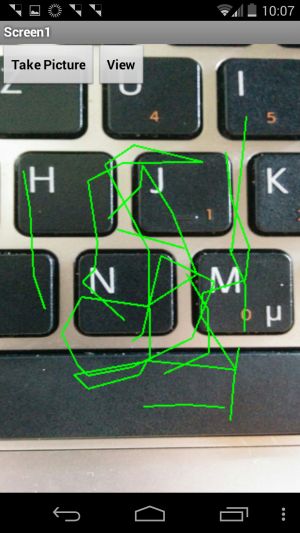
The only possibility I can see is to set the taken image as screen background, then draw on the canvas. I set the Canvas background color to none in the Designer window to be able to see the background image. The Screen background color will be set to none after taking the first image in the Camera.After Picture event.
 |
| Aia file for App Inventor Download |
 |
 |
 |
Comments
Post a Comment
Thanks for your Comments.